
A workspace contains all the resources you need, including sources, AI tables, and more. Workspaces are commonly used to separate projects and teams, but how you organize them is up to you.Documentation Index
Fetch the complete documentation index at: https://docs.airfold.co/llms.txt
Use this file to discover all available pages before exploring further.
Creation
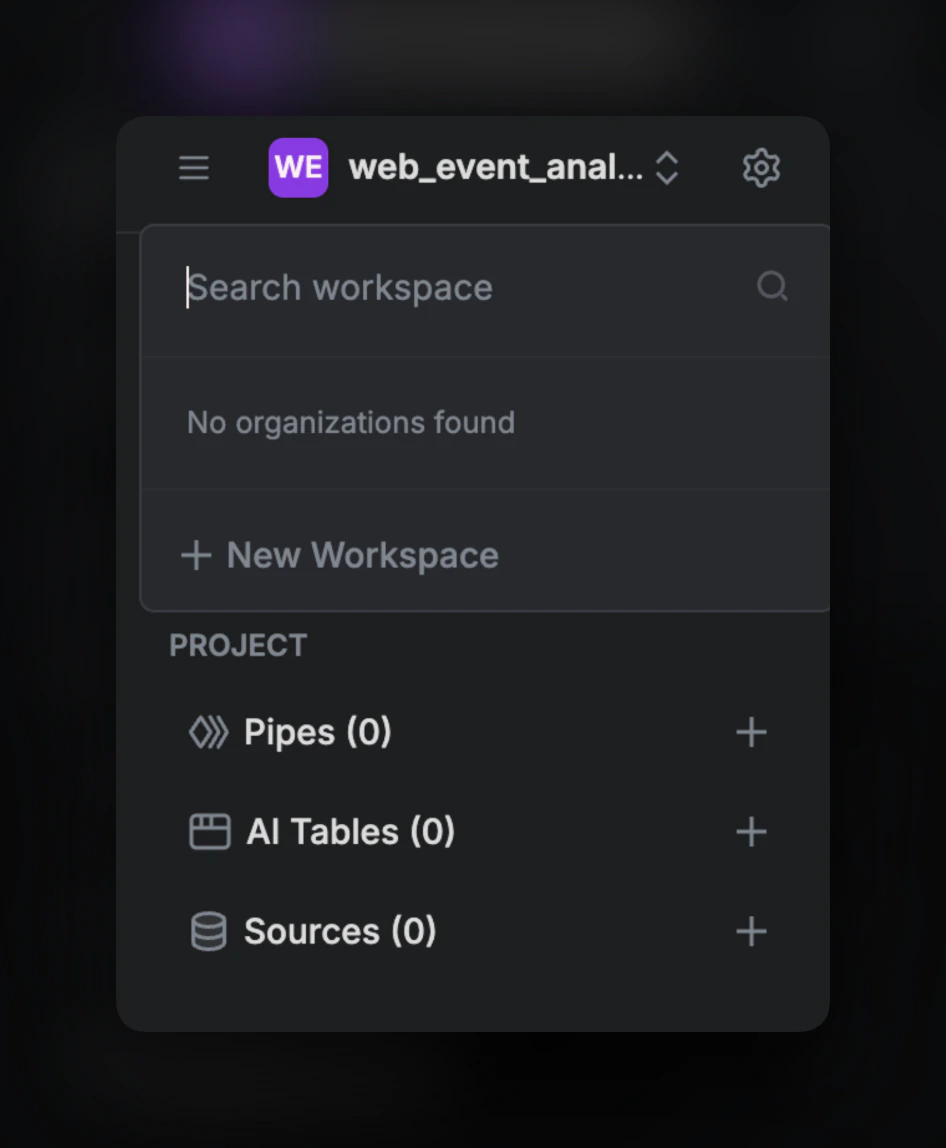
Click on the top-left corner (name of your current workspace), then click on”+ New Workspace”:
Deletion
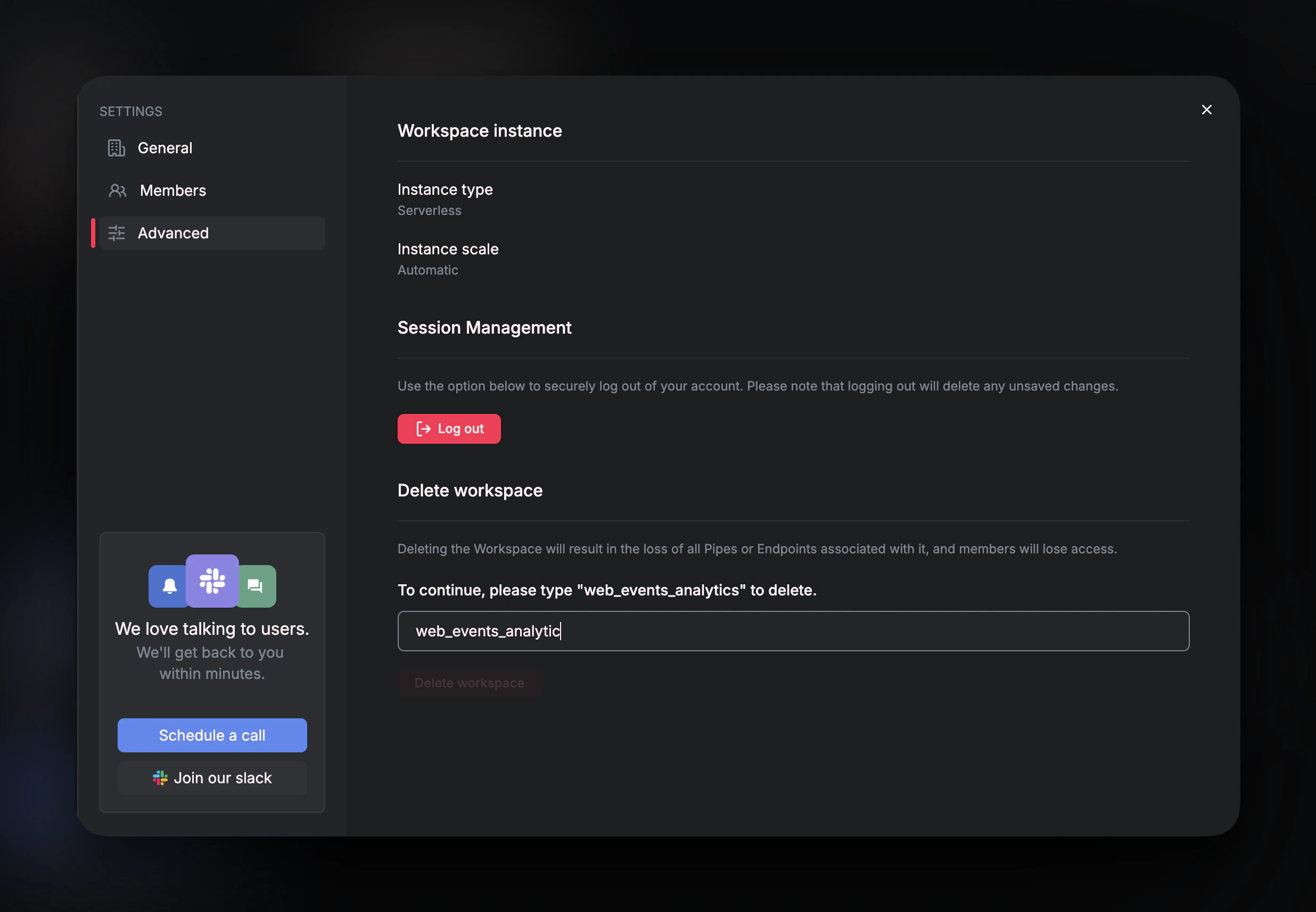
If you want to delete your workspace, you can go to settings, then go to advanced settings, type in the workspace name under Delete Workspace to confirm and hit delete workspace. We highly recommend not to delete workspaces unless absolutely necessary since the data is not recoverable once you delete it.