

Once the pipe is published, you can use Airfold APIs to call the published pipe and get results, these endpoints can be integrated directly into your dashboard or application’s logic to display desired results. Each API comes with Swagger documentation for standardized usage and can be accessed as a shareable REST endpoint.Documentation Index
Fetch the complete documentation index at: https://docs.airfold.co/llms.txt
Use this file to discover all available pages before exploring further.
Create an Endpoint
To publish a query as an endpoint:-
Click the publish button:
-
Select “View endpoint”:
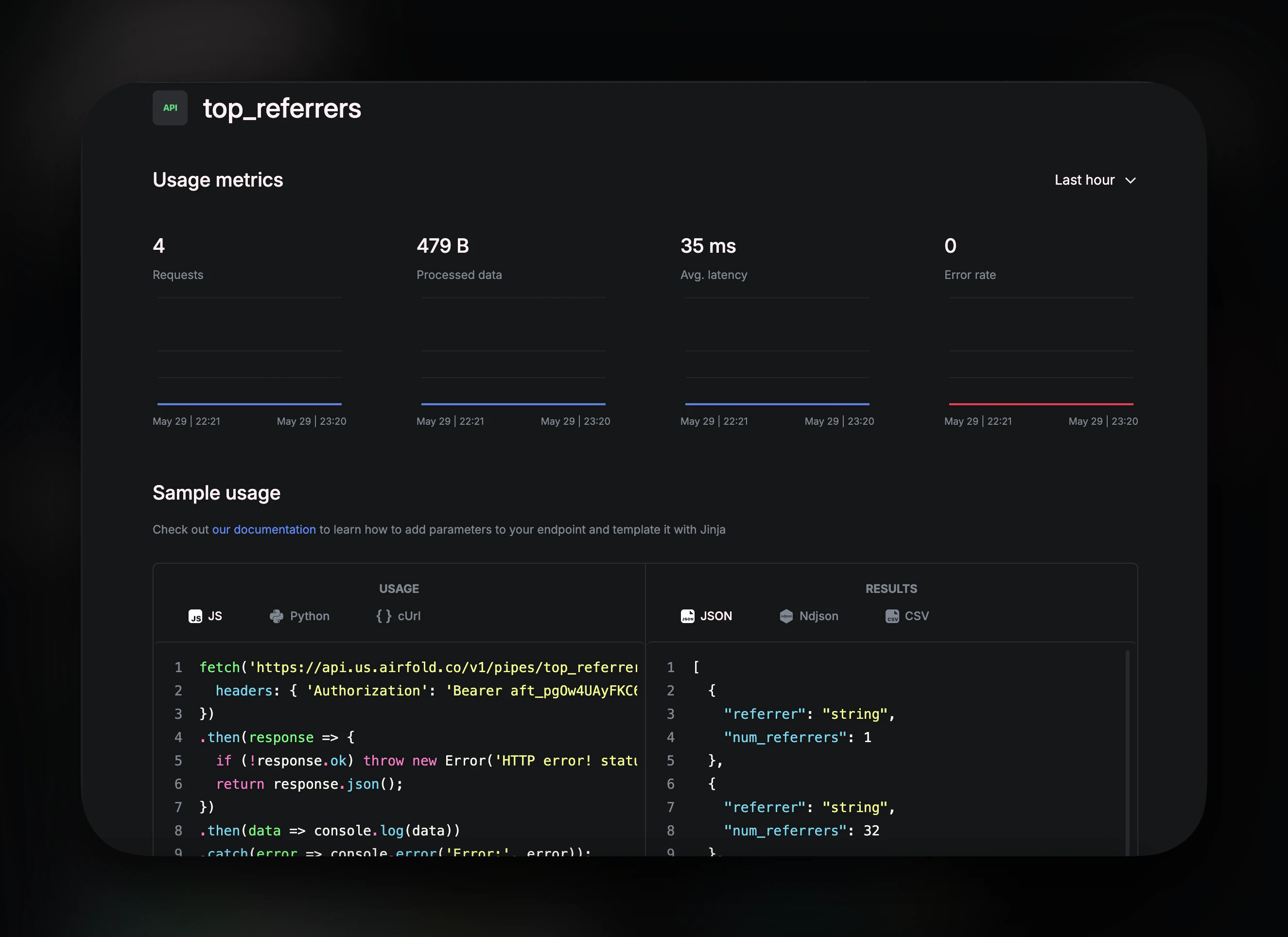
Use the Endpoint
Copy the API endpoint directly from the code block to use in your application: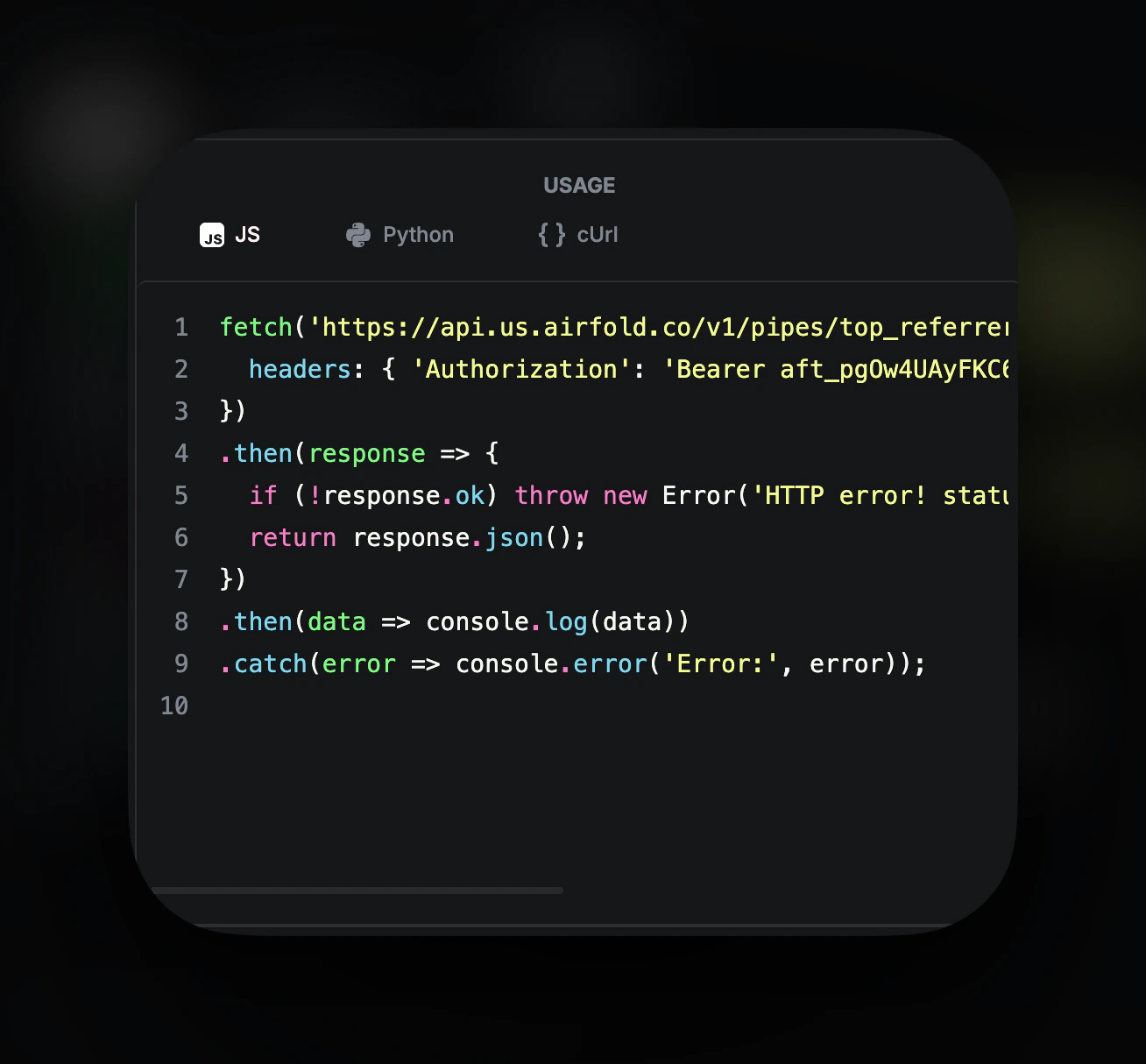
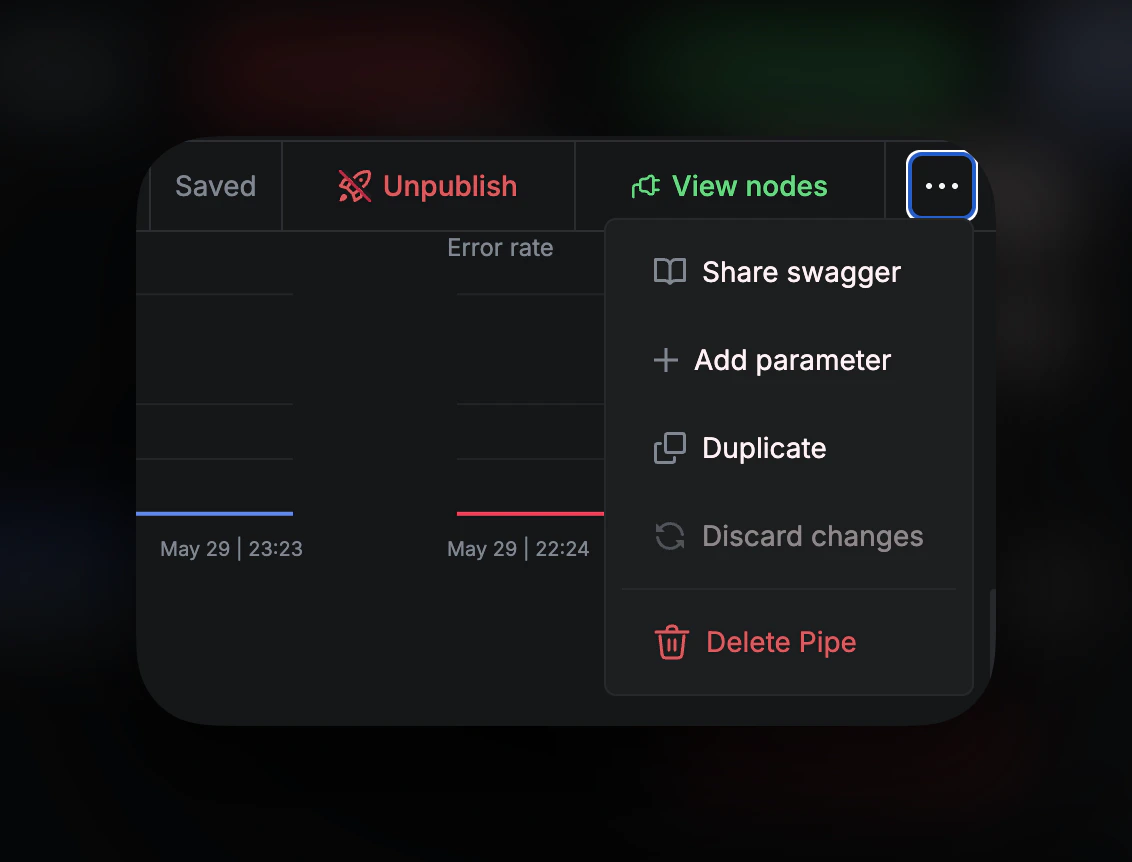
- Share Swagger: Opens the Swagger documentation page for API exploration and testing
- Add Parameter: Define custom parameters for your API calls
- Duplicate: Create a copy of the endpoint
- Discard changes: Revert parameter modifications
- Delete: Remove the endpoint